Quick Actions
Usage of the Quick Action Dialog feature
The Quick Actions feature provides players with easy access to frequently used commands and actions through a convenient dialog interface. While FancyDialogs doesn't support the quick-actions hotkey directly, it provides commands to open a customizable quick actions dialog.
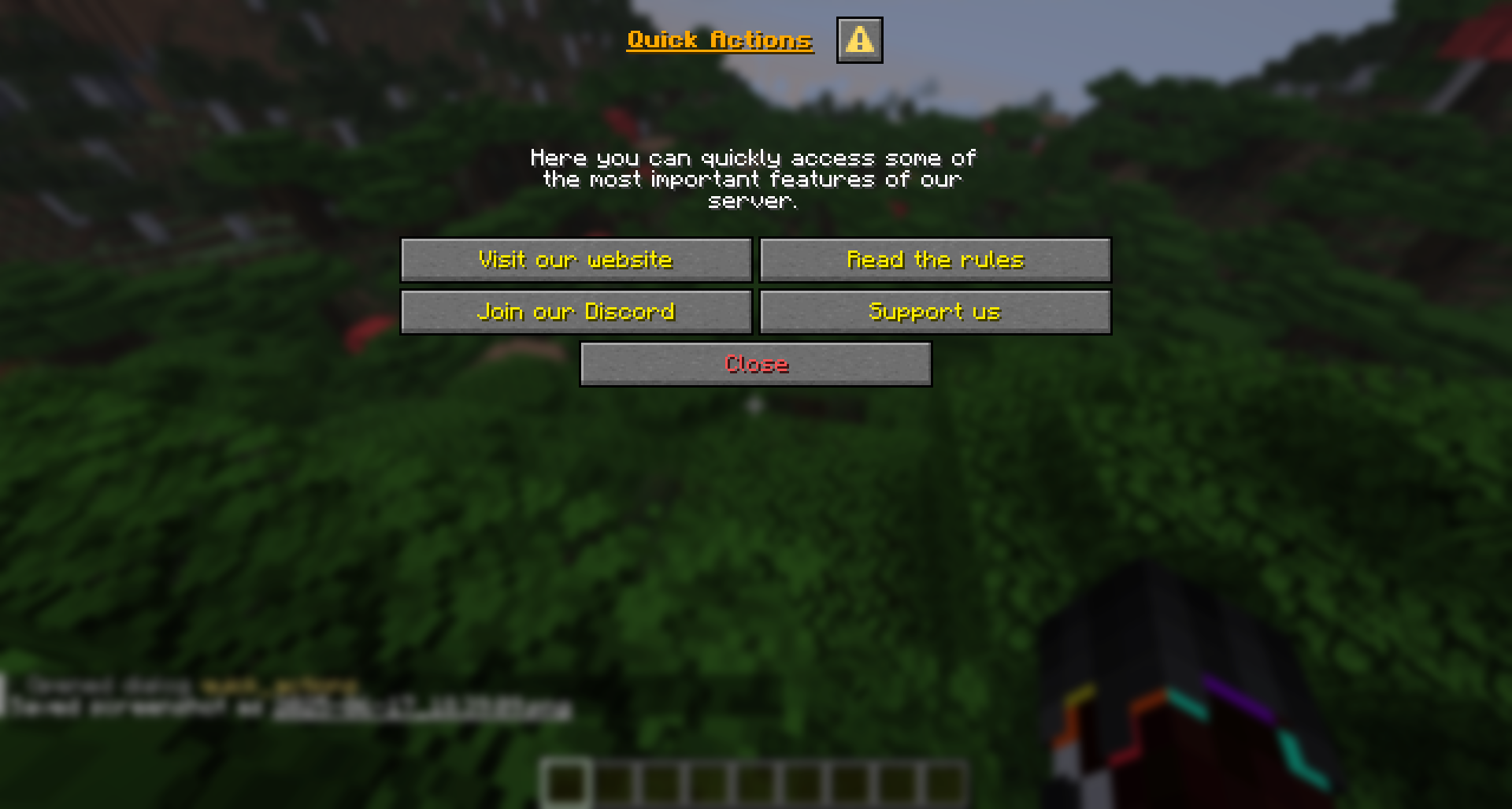
Opening Quick Actions
Players can open the quick actions dialog using either of these commands:
/qaor
/quickactionsYou can grant specific players or groups access to the quick actions feature using the permission: fancydialogs.command.quickactions
Customization
The quick actions dialog is fully customizable. You can find the configuration file at:
plugins/FancyDialogs/data/dialogs/quick_actions.jsonExample Configuration
Here's an example of how you might customize the quick actions dialog:
{
  "id": "quick_actions",
  "title": "<gradient:#ff7300:#ffaa00>Quick Actions</gradient>",
  "canCloseWithEscape": true,
  "body": [
    { "text": "Select an action below:" }
  ],
  "buttons": [
    {
      "label": "Teleport to Spawn",
      "tooltip": "Return to the spawn point",
      "actions": [
        {
          "name": "player_command",
          "data": "spawn"
        }
      ]
    },
    {
      "label": "Open Shop",
      "tooltip": "Browse the server shop",
      "actions": [
        {
          "name": "player_command",
          "data": "shop"
        }
      ]
    },
    {
      "label": "View Rules",
      "tooltip": "Read the server rules",
      "actions": [
        {
          "name": "open_dialog",
          "data": "server_rules"
        }
      ]
    }
  ]
}
Disabling Quick Actions
If you don't want to use the quick actions feature on your server, you can disable it by setting the following option in plugins/FancyDialogs/featureFlags.yml:
disable-quick-actions-dialog: trueAfter changing this setting, restart your server or use /fancydialogs reload to apply the changes.
When quick actions are disabled, the /qa and /quickactions commands will no longer be available.